by MSDK Studio Inc.
↓
An Overview of Lateron
Capture photos, videos, text, links or a combination each week to share with as many people as you’d like. This can be anyone in your phone contacts!
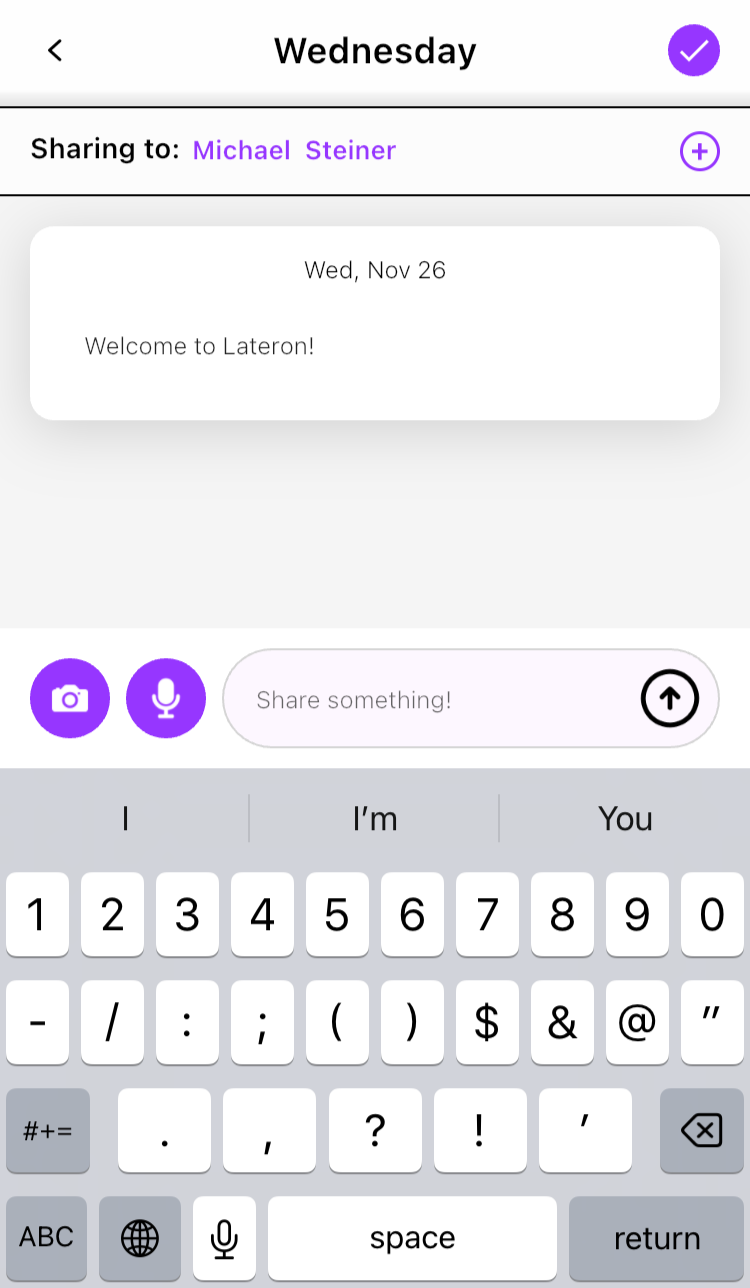
On Sunday, everything you shared will be sent to everyone separately.
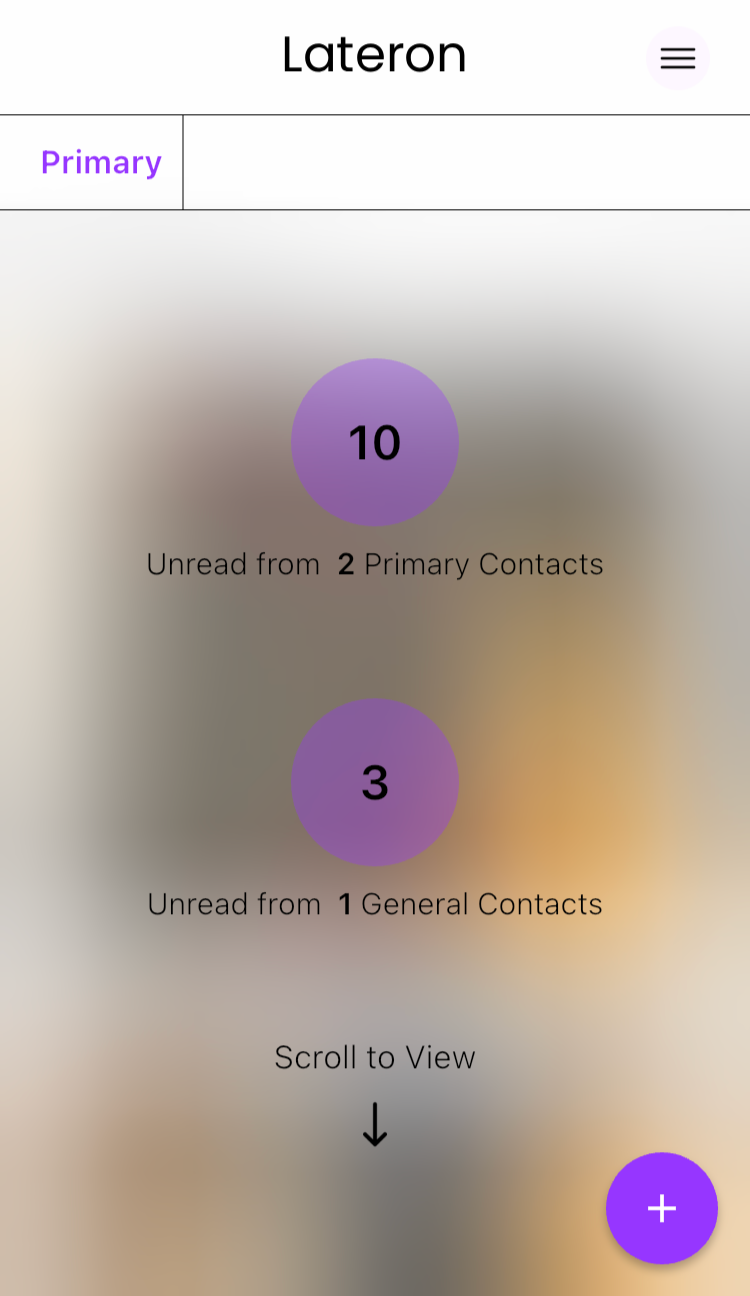
Anyone with a Lateron account will receive your update in their feed.
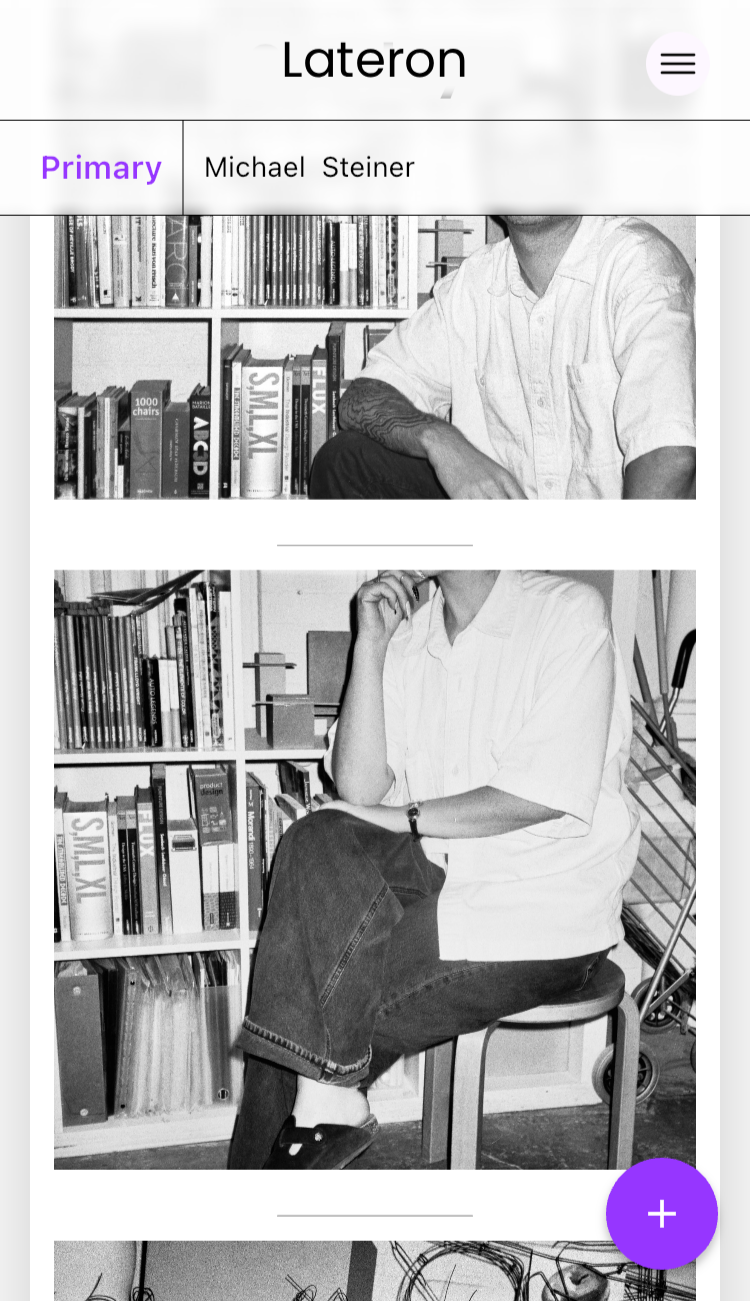
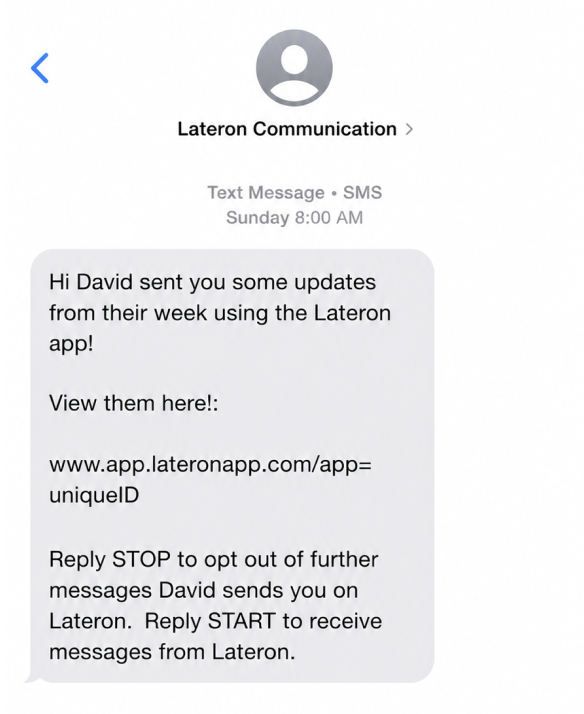
Everyone else will get a text on Sunday with a private link to view your update in their browser.
Things to Know
The app is out now! Help us test out the app and invite friends and family to join too!
Anything you share on Lateron will only be viewable by the recipient.
There’s no behind the scenes personal data being shared or sold to third parties!
Installing the Lateron App
Lateron is available on the App Store (and coming soon to the Play Store)
You’ll be asked to sync your contacts. You can choose to sync all your contacts or you can just select a few people. (If new friends join the app, you’ll need to update your sharing settings).
The only notifications we send are a weekly reminder or two, and to tell you when your Sunday updates have arrived.
If you have any questions along the way, just let us know!
We’re excited to see you Lateron!